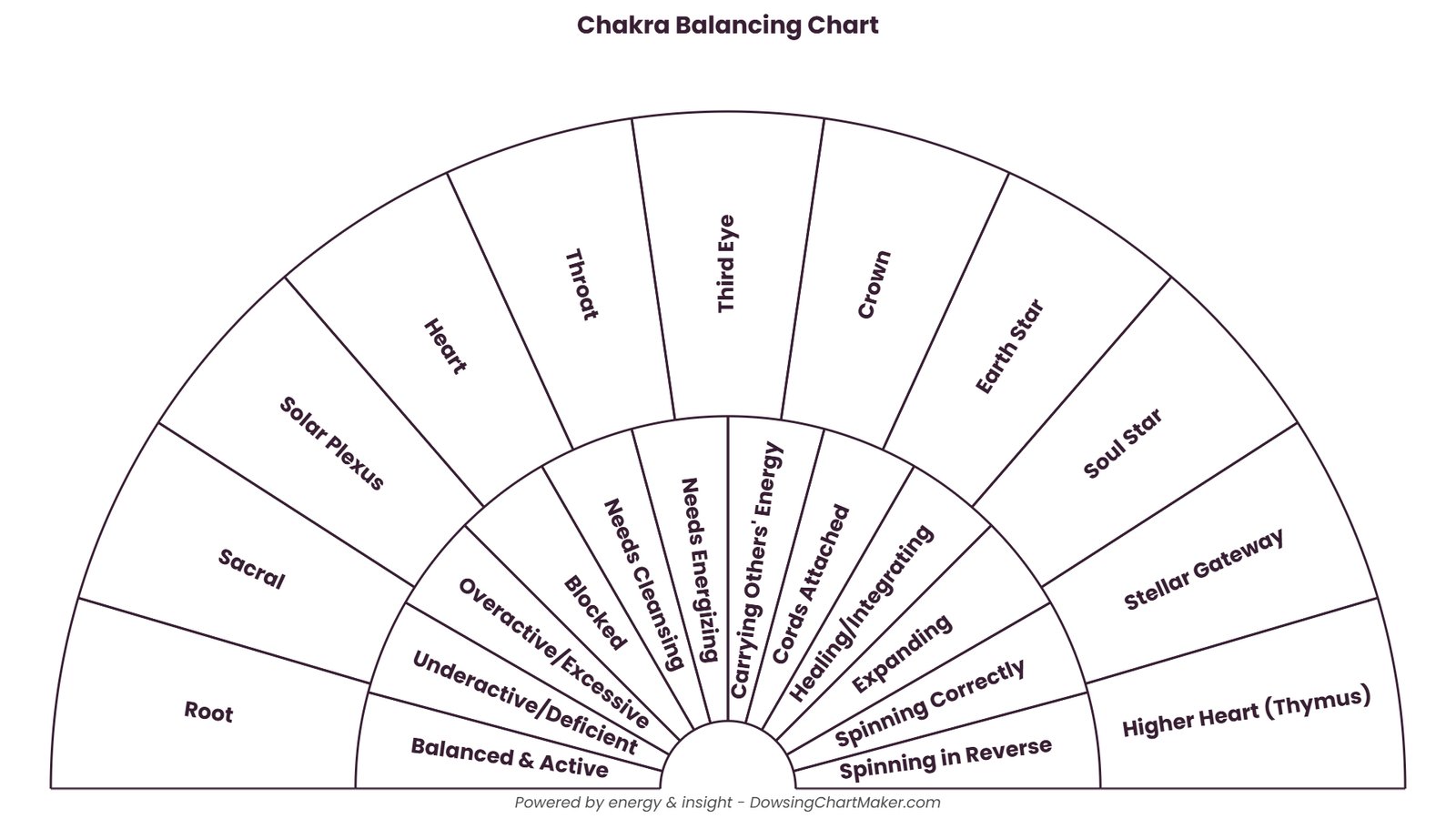
Beginners
Learn the basics without the learning curve. Start from a clean Yes/No chart, change a label or two, and print it. Our beginner's guide walks you through it.
Try the Yes/No presetBring clarity and intention to your dowsing practice with custom charts for chakras, healing, energy work, and divination. Dowsing Chart Maker is the most intuitive pendulum chart generator for healers, intuitives, and spiritual seekers.
Discover why practitioners worldwide choose our dowsing chart generator. A complete suite of design tools at your fingertips—no sign-up, no software install, no cost.
Explore All FeaturesEdit what you see. Click any label or the title on the preview to change text, color, or style instantly — plus drag labels between rings with live drop zones.
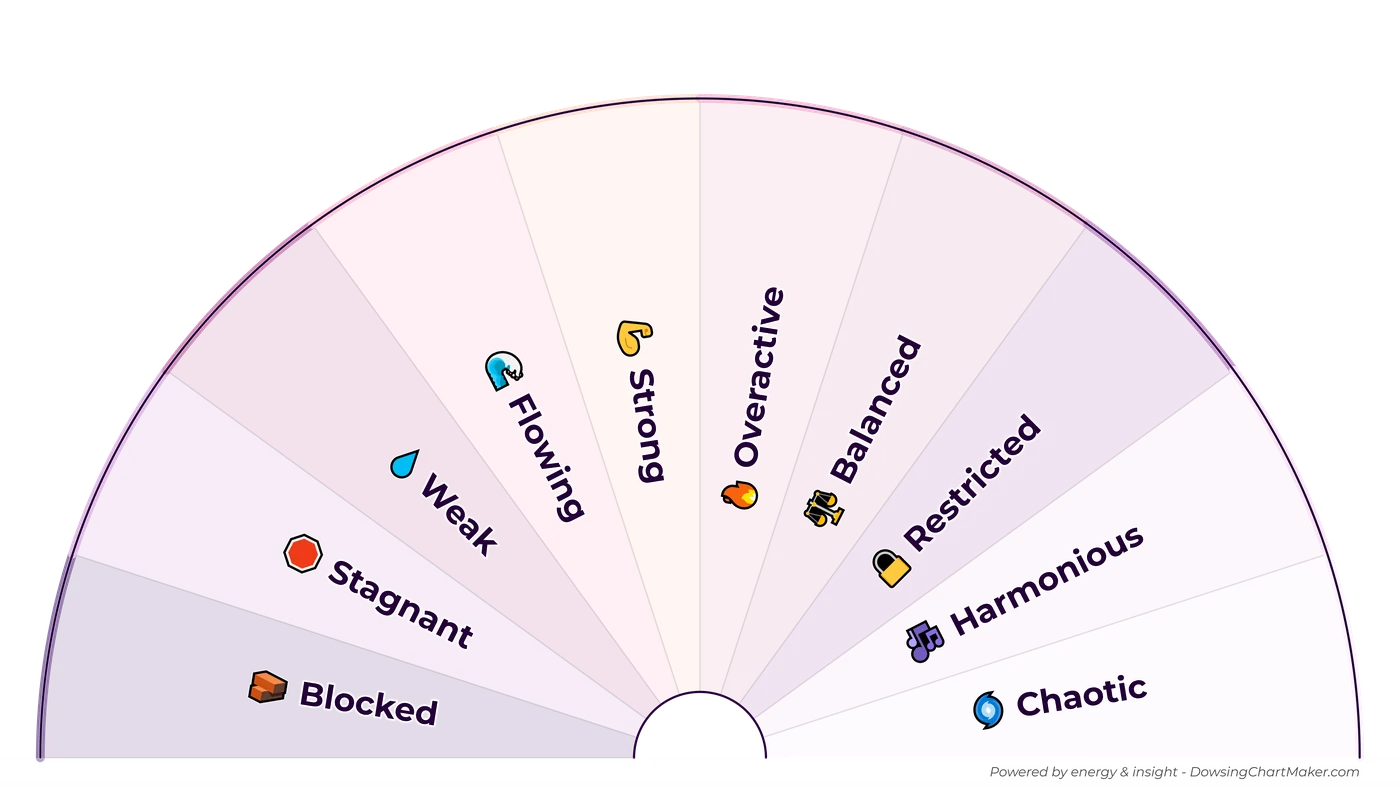
Build up to 4 concentric rings and give each its own palette. Visually separate categories — outer: Emotions, inner: Timeline — or randomize themes with one click.
Save as crisp PDF for print, transparent PNG for layering, JPEG for quick share, or lossless SVG that scales to any size — all re-created at 4K UHD. Eco Mode gives a clean B/W version to save ink.
From Sage and Midnight to Chakra Wheel and Carnival — each theme balanced for beauty and legibility. Pair with 800+ searchable presets and sub-labels (Main | hint).
Create dozens at once. Drop an Excel file into the interactive table or use the AI Prompt Helper to generate structured data, then export a dated ZIP.
A calm, focused space for active dowsing. Pan and zoom to explore details, with a clear center point — flip through bulk batches without leaving full screen.
If you dowse with a pendulum and want a chart that is clear, accurate and yours, this is for you.
Learn the basics without the learning curve. Start from a clean Yes/No chart, change a label or two, and print it. Our beginner's guide walks you through it.
Try the Yes/No presetBuild the chart your practice needs: up to four rings, each with its own theme, so every category stays easy to tell apart on the printed sheet.
Try a multi-ring Chakra chartMake consistent, professional charts for clients, workshops and courses, in batches when you need them, with print-quality exports.
See the Bulk workflowStart from a ready-made preset, make it yours and print it. This is the quickest way to make a pendulum chart online with our dowsing chart maker.
Search 800+ ready-made charts, from Yes/No and chakras to emotions and planets, and apply one in a click.
Click any label to edit it, then choose from 80+ colour themes to match your practice.
Export a print-ready PDF, PNG, JPEG or SVG, ready for paper or screen.
Pick a purpose to see a ready-made free printable pendulum dowsing chart. Open it in the Studio and change any label, colour or layout, or download it as it is.
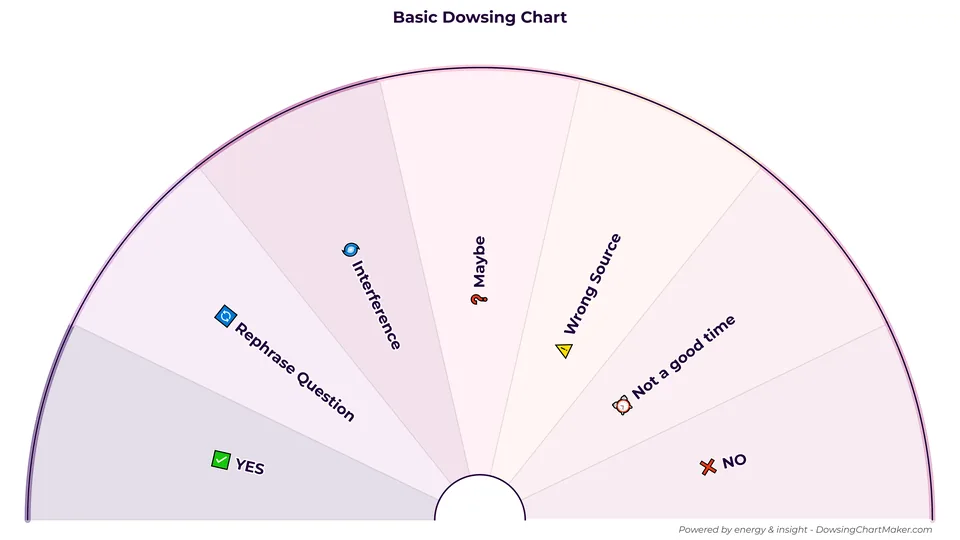
A clean chart for fast answers, with room for "Maybe", "Rephrase Question" and "Not a good time". The best first chart for beginners.
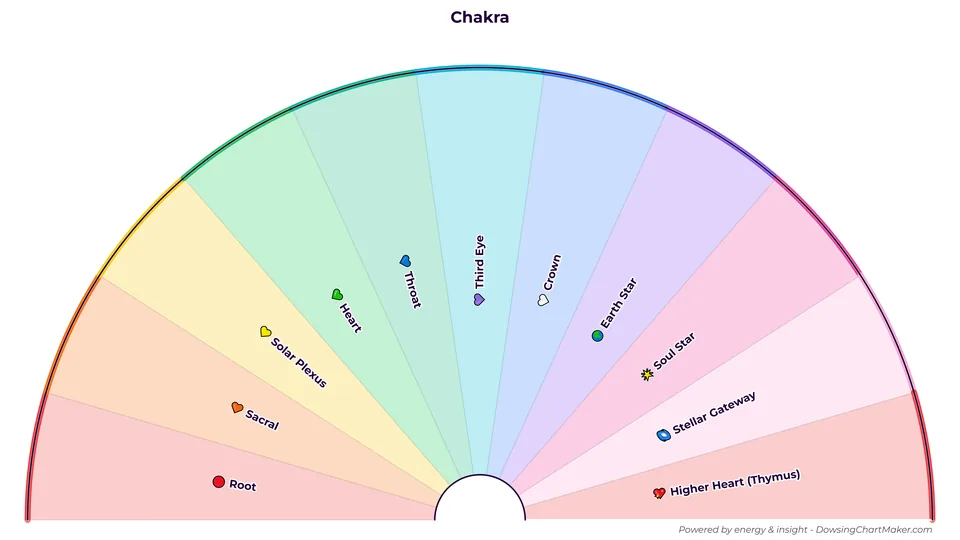
Check the seven main chakras and the higher-heart and gateway centres, each with its own colour. Ready for energy healing sessions.
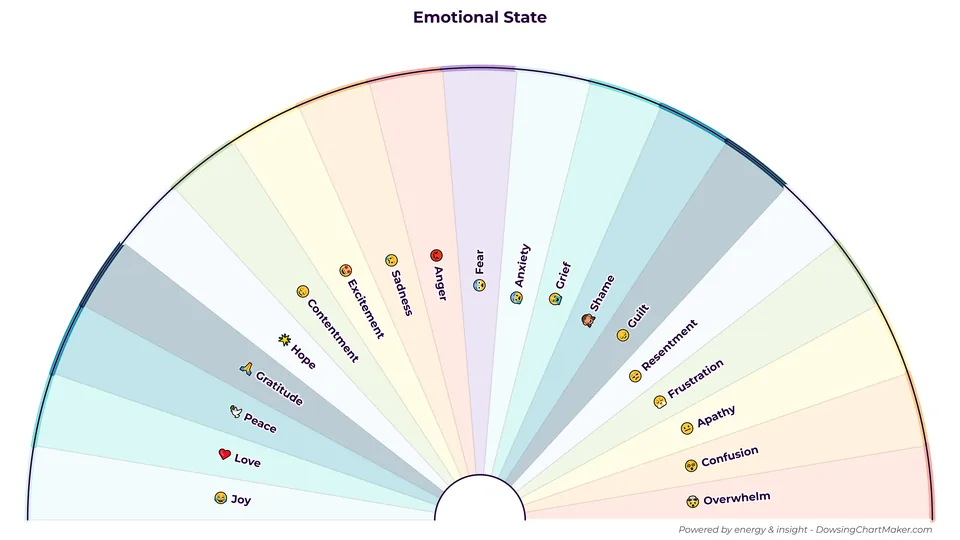
Name the emotion underneath a feeling, from Joy and Peace to Anger, Grief and Overwhelm. Every slice carries a small emoji.
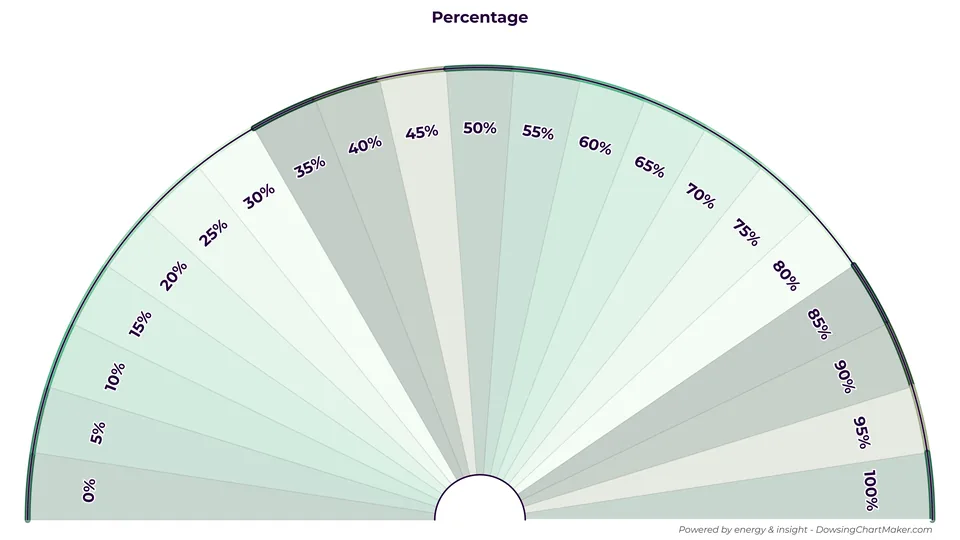
Put a number on an answer, from 0% to 100%. Useful for how likely, how strong or how much.
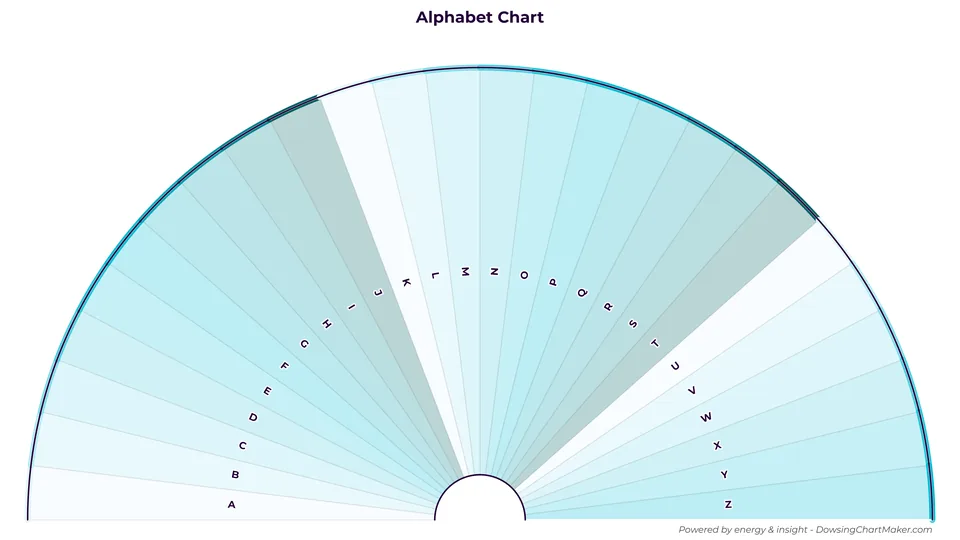
Spell out names, words, or specific messages using this complete A-Z alphabet pendulum dowsing chart.
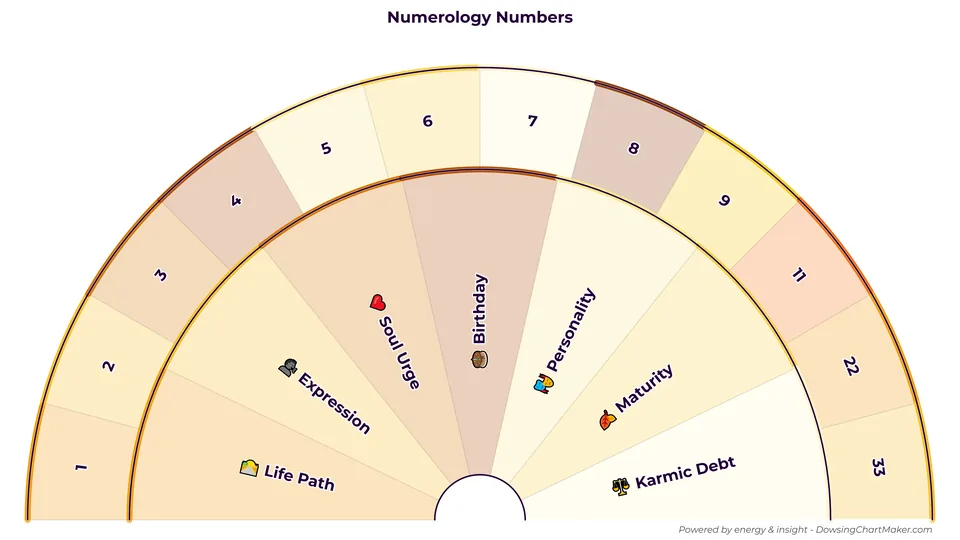
Quickly identify core numerology numbers (1-9) or master numbers (11, 22, 33) relevant to your query.
Choose from our most-loved free dowsing chart presets. One click opens the Studio pre-loaded—customize labels, colors, and layers, then export. Perfect for chakra dowsing, pendulum yes or no, angel numbers, food compatibility, and more.
Quick answers & measuring
Healing & wellbeing
Guidance & astrology
See what practitioners are saying about Dowsing Chart Maker.
Fun and intuitive tool
Me encantó esta herramienta. Fácil de entender y aplicar. La utilizaré en futuros trabajos. Gracias
Very easy to use
Rated 5 out of 5.
Such a fantastic website, I've been looking for something like this for so long now. Thank you, thank you, thank you!
Fab as always!!
Se trabaja muy bien en esta herramienta, en muy dinámica, Solo a manera de aporte constructivo; sería genial si permitiera aplicar los ajustes de posición de las etiquetas también por grupo y que se pueda guardar en algún espacio por si es requerido realizar modificaciones a futuro. Mil Gracias!
Ovo je vrlo koristan i jednostavan alat.
I found this site very easy to work with. I was able to make exactly what I was looking for.
I am grateful for this tool, as it will greatly speed up my plans and work. I'll be back soon with a donation, Cheers :)
Look forward to getting more proficient with design. Much appreciate the offering.
Excellent source of dowsing charts, templates are plentiful, chartmaker is very easy to use.
Printable templates are fixed, and general design apps make you draw every slice by hand. Dowsing Chart Maker does one job: accurate, editable, print-ready pendulum charts.
Print-and-use sheets
Built for pendulum charts
Canva, Figma, Illustrator and similar
Comparison is general; features vary by product. Dowsing Chart Maker details are on the features page.
Why this free studio exists, and who is behind it.

A pendulum chart only works when the pendulum has a clear path across it.
Every slice has to be even, every word easy to read, and the sheet has to print cleanly. Doing that by hand in Photoshop or Canva is slow and technical, and small spacing mistakes show up as soon as you hold a pendulum over the page.
Dowsing Chart Maker was built to take that work away. Choose a layout, type your labels or start from one of 800+ presets, and the Studio draws precise arcs, fits the text and applies a theme. You download a print-ready chart in minutes, free and without signing up.
Then the chart does its job. Print it, lay it flat, hold your pendulum over the centre, ask your question and read where it swings.
“This tool is offered in the spirit of community, not competition. I have immense respect for other platforms like Subtil — they are amazing. My goal is simply to empower you to create the beautiful, effective printable dowsing charts you envision, without the technical hurdles.”
Explore our collection of dowsing chart guides, pendulum tutorials, and resources to deepen your practice.
Yes, the Dowsing Chart Maker is 100% free to use for creating, customizing, and exporting unlimited charts (subject to our Fair Usage Policy). There are no watermarks and no paywalls. Charts carry a small default credit line that you can hide or replace with your own attribution in the Studio; when you publish charts commercially, we simply ask that you keep an equivalent credit to DowsingChartMaker.com. We are supported entirely by community donations.
Hold your pendulum steady over the designated center point of the chart. Clear your mind, ask a specific question, and allow the pendulum to swing freely. The direction of the swing indicates the answer. For beginners, we recommend starting with our 180° half-circle "Yes/No" template. Check our Comprehensive Guide for more tips.
For high-quality printing, we recommend exporting as a PDF. Our PDFs are optimized for standard A4/Letter paper sizes and preserve the sharpest details. If you are designing for a digital display or social media, the PNG and JPEG formats are excellent choices.
Privacy is a core pillar of our tool. The actual design and chart creation happen entirely within your browser (client-side), ensuring your labels and titles remain private to you.
To help us improve the studio experience, we collect only anonymous, non-personal metadata (such as theme and font popularity) during the export process. This data is completely detached from your personal content or identity. For full details, please see our Privacy Policy.
Yes! You have full ownership of any charts you generate. You are free to use them in your professional healing practice, include them in workshops, or even sell printable products created with our tool. No extra licensing is required — we only ask that you keep an equivalent credit to DowsingChartMaker.com when you publish charts commercially.
See our Terms of Use for full details, or support the project if this tool adds value to your work.
You own the charts you make. Here is what you can do with them, when to credit us, and what we do and don’t collect.
Print, share, and use your charts in client sessions, courses, books or products. Personal and commercial use are both allowed.
Charts carry a small “Made with DowsingChartMaker.com” line. Keep it, or name us, when you publish commercially in a book, video or course.
Build and edit your chart in your browser, with no sign-up. A copy is only sent to us when you export or share it.
We keep anonymous usage details such as chart type, theme and country-level region.
Usage & licensing details Privacy details Support the project